
Digital Product Passport for brands and retailers.
In the EU, the Digital Product Passport for textiles is not expected to become mandatory before 2029. Mapasso already creates it from your product data.
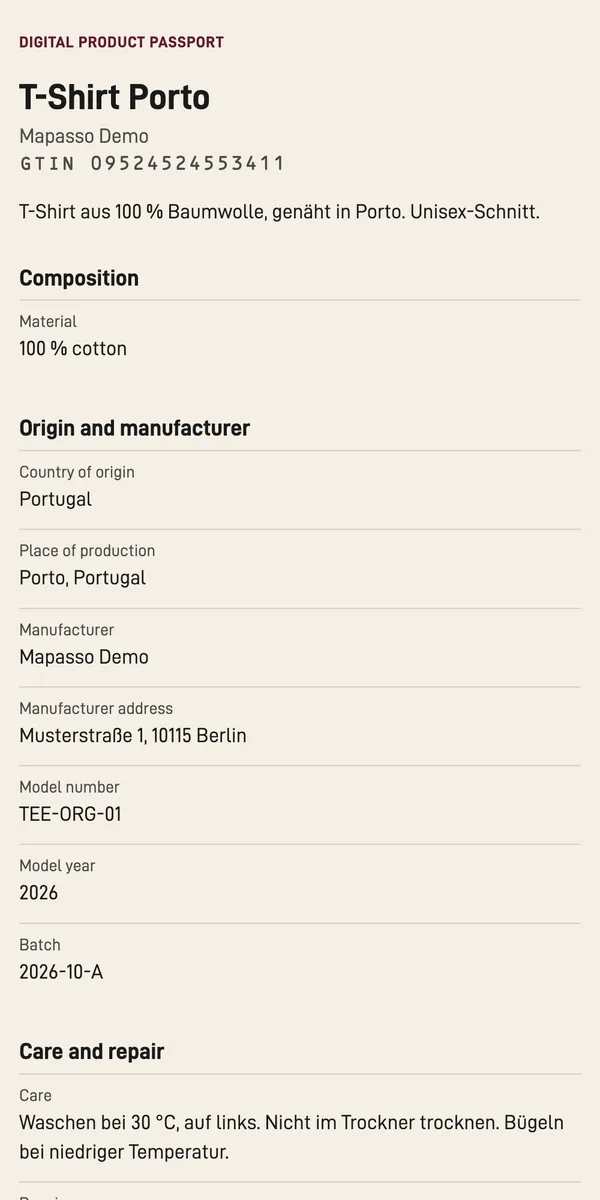
What makes the Digital Product Passport hard
The EU requirement is coming
The Commission plans the delegated act for textiles for the end of 2027. The passport is not expected to become mandatory before 2029.
Your data is scattered
Suppliers send data sheets by email. Materials live in spreadsheets, product details in your PIM. A passport needs all of it in one place.
The standards are a maze
The passport comes with many formats and terms, and nobody wants to learn them all.
Mapasso turns your product data into a passport.
Mapasso takes the name and GTIN from your products. You add material, origin, suppliers and care, one product at a time or with a CSV file. You don't have to read any regulations for this.
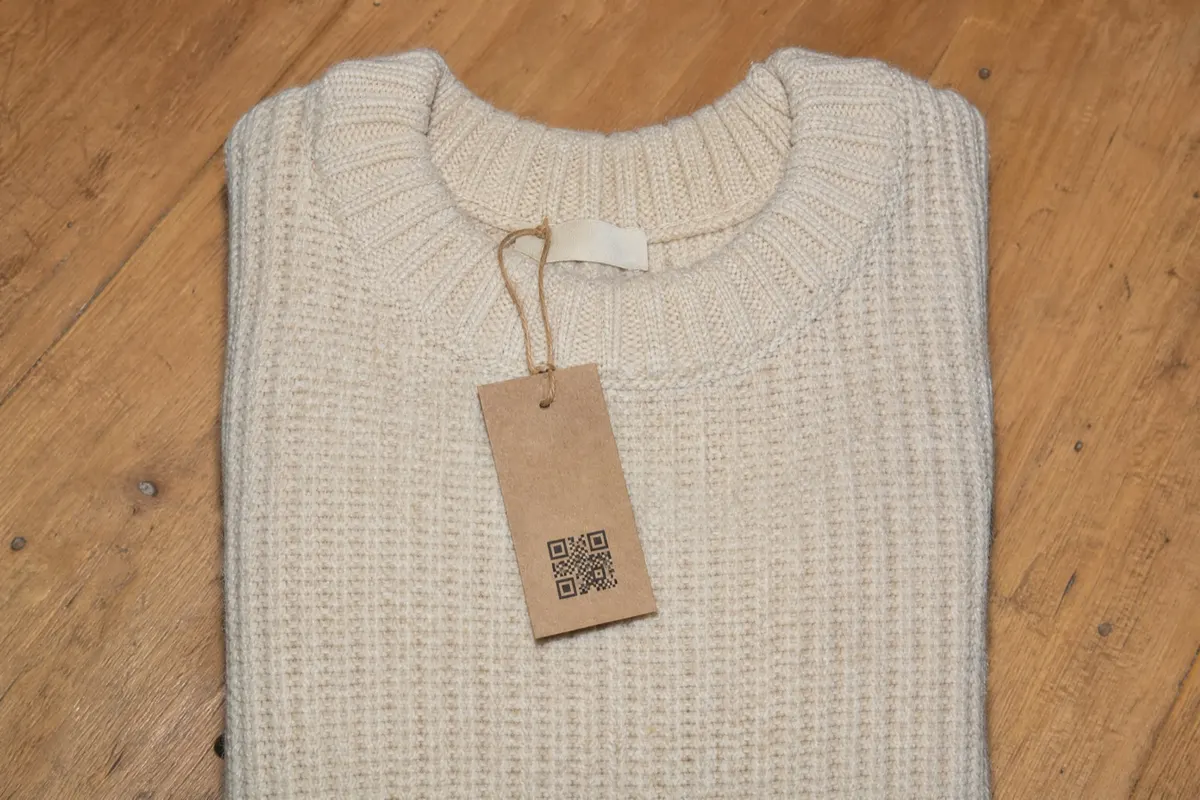
The link and QR code to the passport sit on your product page.
Your customers see the passport before they buy. You also print the QR code on the label.
- Standards built in
- Passport addresses follow GS1 Digital Link, and the data is machine-readable too. You don't need to know the terms.
- Bulk creation
- Create passports for many products in one step, with the same industry, country of origin and supplier for all of them. You can publish several passports at once as well.
- Materials, maintained once
- Add a material once in your master data and assign it to any passport. Change it there, and every passport that uses it is updated.
- Suppliers as master data
- Add your suppliers once. Mapasso links them to the products they contribute to.
- Print version and export
- Save every published version as a print version, with a copy in the archive. Export all passports as CSV or JSON-LD.
Mapasso is available as a Shopify app.
You install Mapasso from the Shopify App Store and create the passports in your Shopify admin.
The Digital Product Passport app for ShopifyThe passport works for you.
With one scan, your customers find care instructions, repair service and take-back right on the product.
-
Material by percentage
When they scan, customers see what the product is made of, with the share of each fiber. The details come from your master data.
-
Origin and manufacturer
Country of origin, place of production and manufacturer are on one page.
-
Care and repair
Care instructions and repair tips sit right with the product. A link leads to your repair service, along with lifespan and warranty.
-
Recycling and take-back
Customers read how to recycle or dispose of the product. If you run a take-back program, the passport links to it.
-
Substances
The passport shows whether the product contains PFAS or flame retardants. Substances of concern are listed below with their concentration.
-
Declaration of conformity
If you have an EU declaration of conformity, a link opens it.
You print the QR code once and keep updating the passport.
The code stays the same when you add or correct details. It always shows the current version.
- Export
- as CSV or JSON-LD
- Export all passports from the settings at any time.
- Copies
- live and in the archive
- Every print version is stored with a version number.
- If the app goes down
- your customers still see the passport
- If the app doesn't respond, the QR code shows the last saved version.
Your data stays where it belongs.
- Encrypted
- Data is encrypted in transit and at rest.
- Not shared
- We don't sell data, and we don't use the contents of your passports for any other purpose.
Four plans, every feature in each.
The plans differ only in the number of passports.
| Plan | Passports | Price per month |
|---|---|---|
| Free | 5 passports | $0 free |
| Starter | Up to 100 passports | $29 about €26 |
| Pro | Up to 1,000 passports | $79 about €71 |
| Business | Unlimited passports | $199 about €180 |
You can try the paid plans free for 14 days.
You pay through your Shopify invoice in USD. If Shopify bills you in euros, Shopify's daily exchange rate applies, plus a 1.5% conversion fee.
Common questions.
- How much does a Digital Product Passport cost with Mapasso?
- Free covers up to 5 passports at no cost. Starter is $29 a month for up to 100 passports, Pro is $79 for up to 1,000, and Business is $199 with no limit. You can try the paid plans free for 14 days. You pay through your Shopify invoice.
- What happens if I uninstall Mapasso?
- About 48 hours after you uninstall, we delete your data in the app. We delete your published passports no later than 30 days after you uninstall, and printed QR codes then stop working. Before that, you can export all passports as CSV or JSON-LD in the settings.
- What if my suppliers don't share their data?
- Create the passport with the details you already have and add the rest when it arrives. The QR code stays the same and always shows the current version. The best time to ask for missing data is with your next order, for example fiber content and where the garment was made.
- Which standards does Mapasso support?
- The address in the QR code follows GS1 Digital Link. You don't need to know the details.
- Does Mapasso work without Shopify?
- Mapasso is a Shopify app, and you install it from the Shopify App Store. If you sell through a different store system, write to us.
- Is the app available in English?
- Yes. The app follows the language of your Shopify admin, English or German. The passport page your customers see is available in seven languages.
With the Shopify app, you can create up to 5 passports for free. If you have questions, email us.